Setup Overview
This is my single source of truth for what I run every day. I keep it practical and update it when I actually change something.
- Workstation automation lives in
dotfiles. - The homelab is on the lab page, drawn to spec. Its repo is private for now.
- Goal: fast workflow, repeatable rebuilds, and less guesswork when things break.
Hardware
Computers
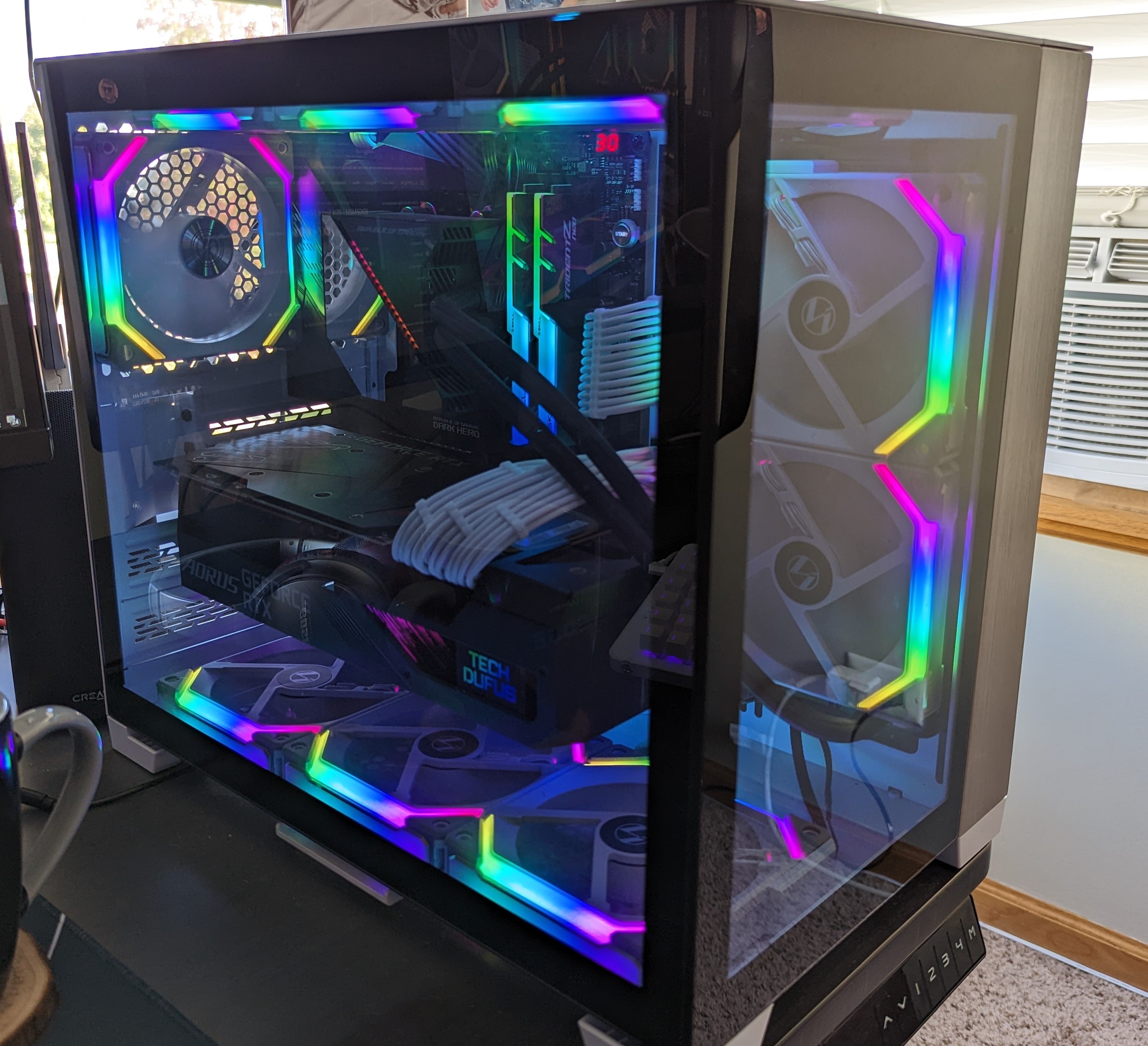
Sherlock (primary desktop)
Sherlock is my main desk machine. Custom build, running Ubuntu Linux.
Laptops
- M3 MacBook Pro (14-inch, Nov 2023)
- Intel MacBook Pro (Retina, 15-inch, Mid 2015)
- HP mt46 Mobile Thin Client
Displays
I currently run a single 4K 60Hz monitor.
Peripherals
- Keyboard: ZSA Moonlander, custom Dvorak layout (ORYX config).
- Mouse: Logitech MX Master 3.
- Microphone: Rode NT-USB+.
- Webcams: Logitech C925E + Logitech C922.
- Headphones: Sony WH-1000XM5.
- Speakers: Creative T100.
Software Workflow
Terminal-first session flow
I spend most of my time in terminal sessions:
I usually hit <prefix>-o, fuzzy-find where I need to be, and let sesh attach/create the session.
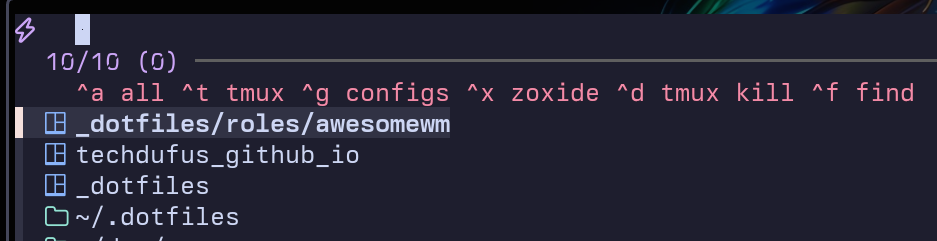
For tmux navigation I use Ctrl+hjkl (via vim-tmux-navigator), and I sync panes when I need to run parallel commands.

Editor + shell stack
- Editor: Neovim with LSP, Treesitter, Telescope.
- Shell: zsh + powerlevel10k + custom functions for git/k8s/remote edit workflows.
- Infra tools: Terraform, Terragrunt, Helm, kubectl, cloud CLIs.
Window management
I use a cell-based layout with summon keys, not traditional manual tiling.
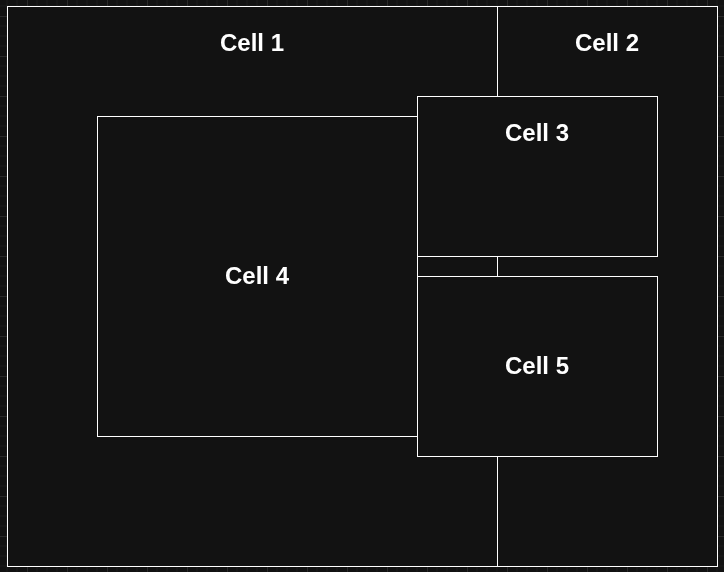
On Linux this runs through AwesomeWM automation; on macOS through Hammerspoon. Same mental model across both.
Agent workflow tooling
- Codex
- Claude Code with custom hooks and status integration in tmux.
- oh-my-claude for sane defaults and repeatable workflows.
- openkanban for tracking parallel agent sessions.
- MCP servers for browser checks/docs/context plumbing.
Homelab
The homelab lives on the lab page now, drawn to spec: the cabinet, the server and the stack. It’s mid-rebuild, so I keep the drawings current and this page short.